

:5000 and the Dashboard SPA on :4200, backed by a throwaway Postgres, with a demo user you can log in as.
For the full picture of how these pieces fit together, see the Platform Architecture Overview.
What you’ll run
Gateway
Flask + Socket.IO under gunicorn. Container listens on
:5000. HTTP auth + REST, plus Socket.IO telemetry.Dashboard
Angular 16 SPA via
ng serve on :4200. Points at the local Gateway.Postgres
Throwaway
postgres container on :5432. Schema created by Alembic migrations.Prerequisites
These are the exact versions observed working. The Gateway runs inside a container (Python 3.10.12, pinned by theDockerfile), so your host Python version does not matter for the Docker path.
| Tool | Version observed | Notes |
|---|---|---|
| Docker | 29.1.3 | Required for the minimal path |
| Node.js | v24.11.1 | Angular 16 officially targets Node 18/20 — see the warning below |
| npm | 11.6.2 | Ships with Node 24 |
| Angular CLI | 16.2.16 | Installed via the repo’s node_modules |
| Gateway container Python | 3.10.12 | Baked into Dockerfile — not your host Python |
| Postgres image | postgres:latest | Used only for local dev |
Run the stack
Start Postgres and the Gateway
The minimal path uses two
docker run commands on a shared network — no docker-compose, no Janus/WHIP. First build the image (once), then bring up Postgres and the Gateway.DEPLOYMENT_ENVIRONMENT=local is the load-bearing flag here (see the warning below). ENABLE_SITL=false skips SITL Docker orchestration, and the empty OTEL_EXPORTER_OTLP_ENDPOINT disables OpenTelemetry export so the container doesn’t try to reach a SigNoz collector.Apply database migrations
This step is mandatory. Under gunicorn the schema is not auto-created — This applies the Alembic migrations in
db.create_all() lives only under the if __name__ == "__main__" block in src/main.py:262, which gunicorn never executes. Skip this and /login returns 500 because no tables exist.migrations/versions/ (head revision r3m4n5o6p7q8), creating the user, drone, mission, geofence, and mission_execution tables, plus the billing (subscription/payment), calendar (calendar_event/calendar_event_occurrence), and Isaac Sim (isaac_sim_instances) tables. See Migrations, DB Connection & Dev Mode for the create-all-vs-Alembic split.Verify the Gateway is up
Two quick checks. The Swagger UI (flasgger) confirms the app booted; Open http://localhost:5000/api/docs/ in a browser to explore all 91 documented paths.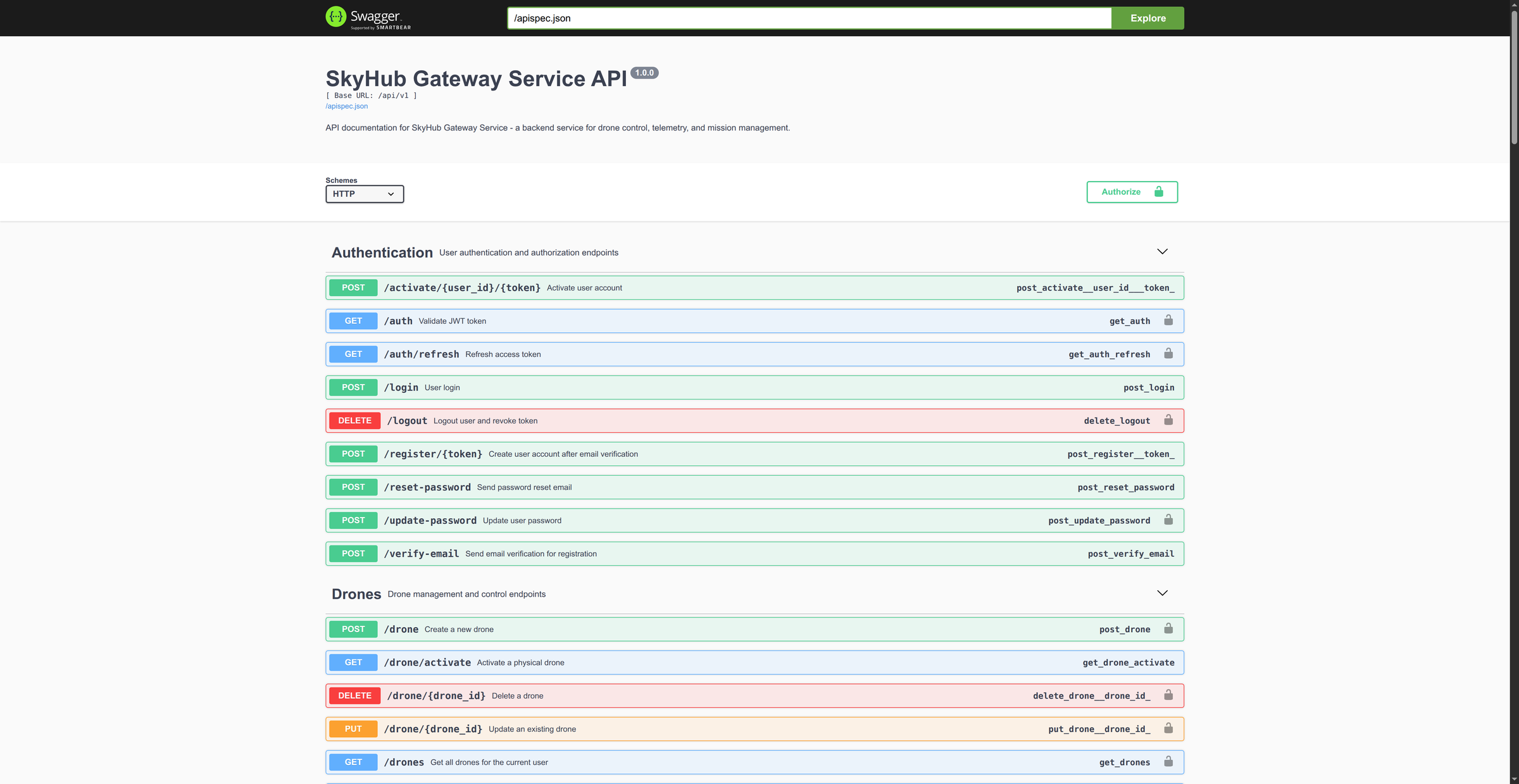
/api/v1/auth without a token confirms JWT is wired.Run the Dashboard
The 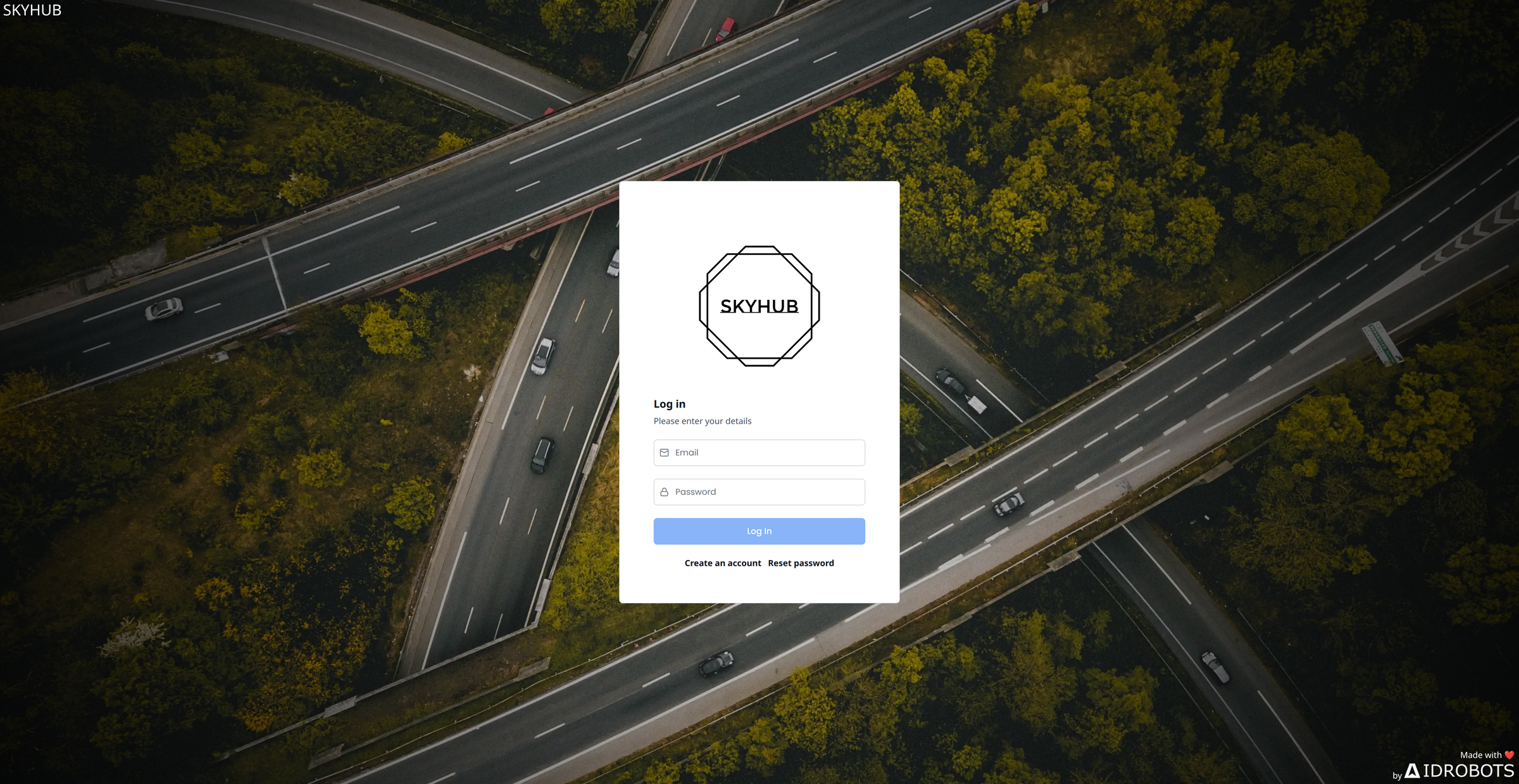
local build configuration swaps in src/environments/environment.local.ts, which points every endpoint at localhost (url: http://localhost:5000/api/v1, janusGatewayUrl: ws://localhost:8188, ws_proxy: ws://localhost:7070) and sets production: false.start:local:no-open runs ng serve --configuration=local --host 0.0.0.0 (see package.json), serving at http://localhost:4200. A plain npm start (the development config, environment.ts) also targets localhost:5000, so either works locally.Create a demo user and log in
Registration normally emails a signed token, but the committed SMTP credentials are broken (see the warning below), so mint the token directly with the JWT secret and post it to the registration endpoint. 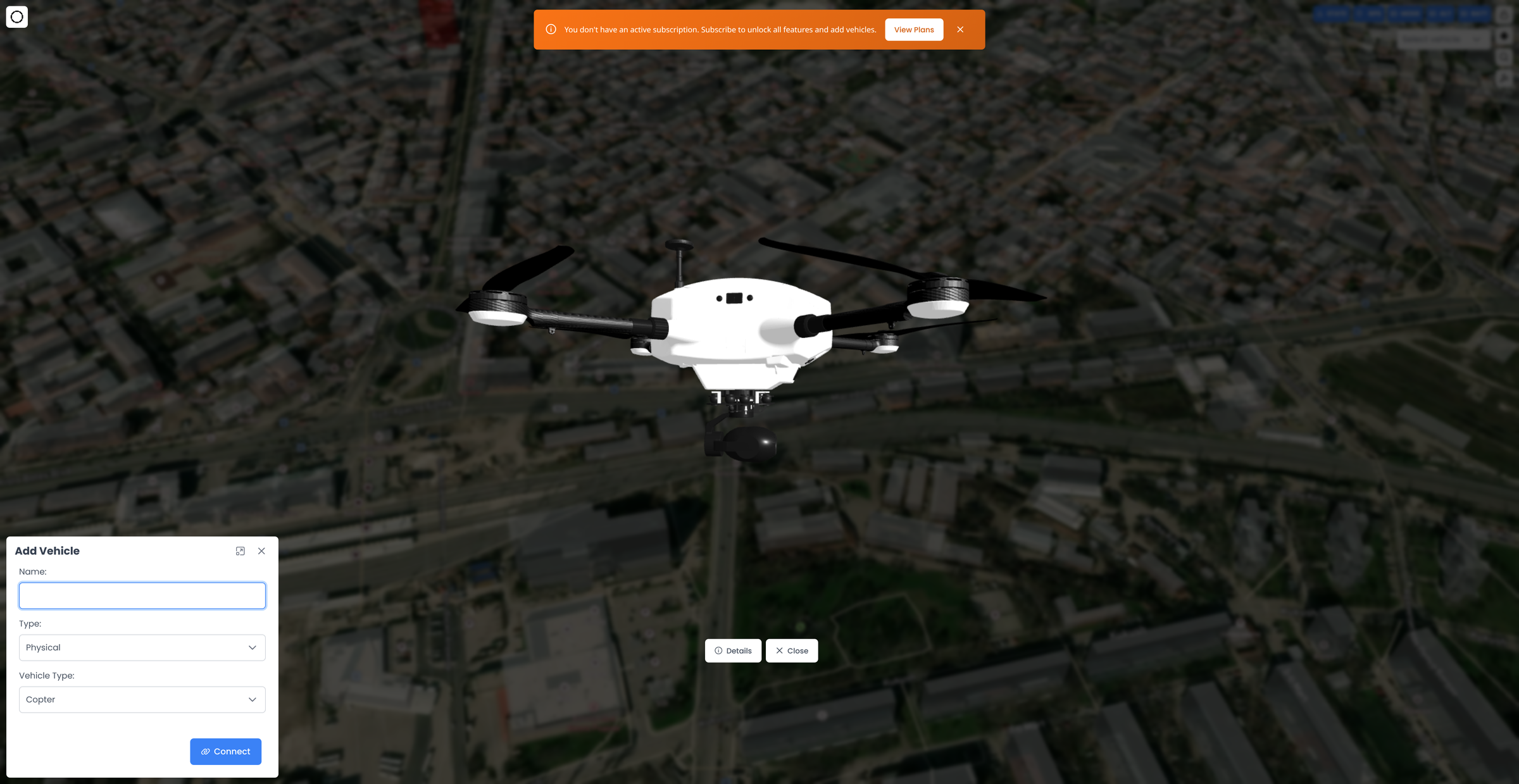 The home view opens over a Mapbox satellite map and, with no vehicles yet, auto-prompts an Add Vehicle dialog. To add a simulated drone you need the SITL path — see SITL Drone Lifecycle.
create_user in src/routes/auth_routes.py:205 deserializes exactly this token.<jwt-secret> must match the JWT_SECRET_KEY you passed the Gateway container. Now log in at http://localhost:4200 with [email protected] / Demo12345!.The home view opens over a Mapbox satellite map and, with no vehicles yet, auto-prompts an Add Vehicle dialog. To add a simulated drone you need the SITL path — see SITL Drone Lifecycle.Critical gotchas
Choosing a run path
- Docker (recommended)
- Standalone venv (unverified)
The two-
docker run path above is the fastest way to a working HTTP/Socket.IO API. The Gateway image runs gunicorn --workers 1 --threads 8 -k geventwebsocket.gunicorn.workers.GeventWebSocketWorker -b 0.0.0.0:5000 main:app (Dockerfile:25).The single worker is deliberate and load-bearing: Socket.IO rooms, the in-process rosbridge connection pool, and the JWT blocklist are all per-process state. Do not scale --workers above 1 without setting SOCKETIO_MESSAGE_QUEUE (Redis).Full stack via docker-compose (video / SITL)
You only need this heavier path for WebRTC video or SITL drones.docker compose up builds the Gateway and pulls in sibling services — skyhub-redis, skyhub-postgres, janus-gateway, simple-whip-server, and skyhub-ws-proxy — several of which build from adjacent repos (../skyhub_janus, ../skyhub_whip, ../skyhub_ws_proxy). It also bind-mounts /var/run/docker.sock and your ~/.ssh keys so the Gateway can orchestrate SITL containers.
What docker-compose brings up
What docker-compose brings up
From
Compose sets
docker-compose.yml:| Service | Image / build | Host ports | Needed for |
|---|---|---|---|
skyhub-gateway-service | builds from Dockerfile | 5000, 2053 | Always |
skyhub-postgres | postgres | 5432 | Always |
skyhub-redis | redis:7-alpine | 6379 | SITL pub/sub, Socket.IO scaling |
janus-gateway | ../skyhub_janus | 8088, 8089, 8188, 10000-10099/udp | Video rooms |
simple-whip-server | ../skyhub_whip | 7080 | Video ingest |
skyhub-ws-proxy | ../skyhub_ws_proxy (host network) | 7070 | Gamepad control |
DEPLOYMENT_ENVIRONMENT=local and ENABLE_SITL=true by default and mounts the working tree over /app (so running code is your checkout, not the baked image).Bring it up
Bring it up
~/.ssh keys and the Docker socket into a root container, treat it as host-privileged. Skip it unless you actually need video or SITL.The Dashboard
e2e configuration (npm run start:e2e) exists for Playwright, but it points at the real production API (https://prod.skyhub.ai:5000 via environment.e2e.ts). Do not use it for local development — use start:local / start:local:no-open.Where to go next
Gateway Service Overview
How the control-plane hub authenticates, brokers telemetry, and dispatches commands.
Dashboard Overview
App shell, bootstrap, and structure of the Angular SPA you just ran.
Platform Architecture
The six-repo topology and how local mode maps onto production.
SITL Drone Lifecycle
Spawn a simulated ArduPilot drone to fly without hardware.
Environment Variables
Every Gateway knob, including the ones this quickstart sets.
Core Concepts & Glossary
Terminology used across these docs.